
Michael Kors Watches
Browse designer Michael Kors watches from our vast collection at Faith Jewellers at great prices. A Michael Kors watch brings luxury into your everyday life with stunning designs that elevate any outfit. Our collection features Michael Kors watches for women from the award-winning designer that vary in colour, shape and design, showcasing both square and round-faced pieces. We also stock striking Michael Kors watches for men in leather and bracelet straps, offering subtle masculine elegance. Bring home a Michael Kors watch today to boost your collection.
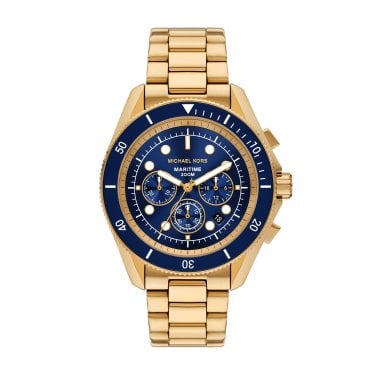
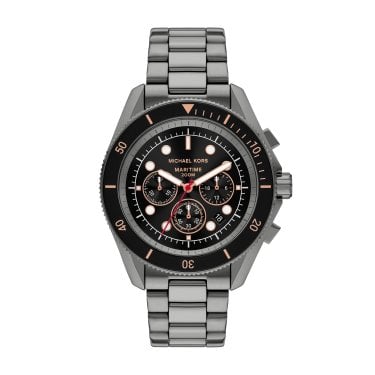
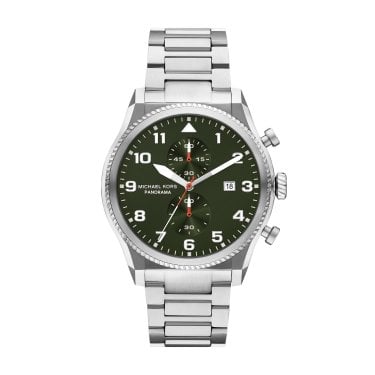
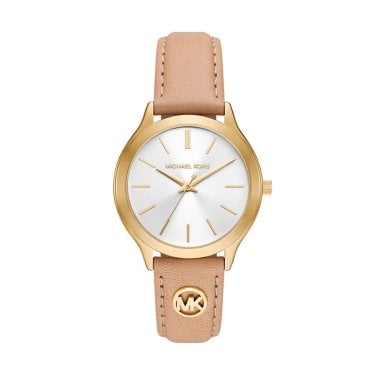
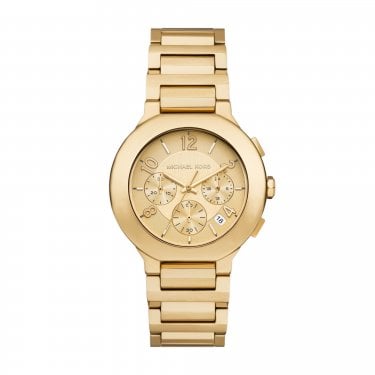
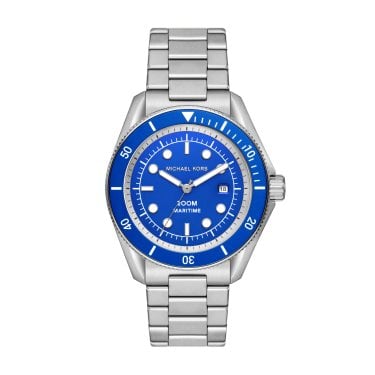

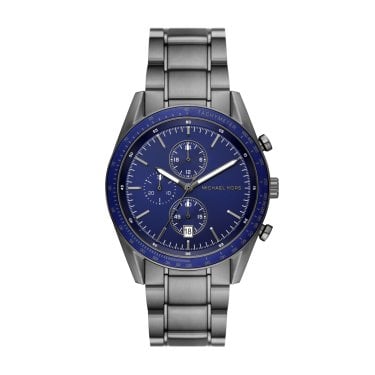
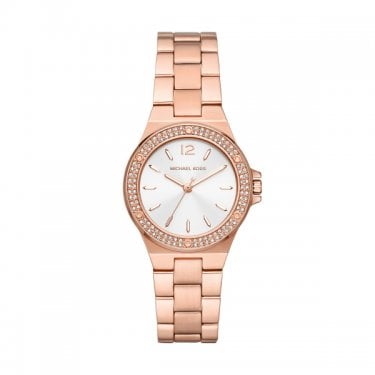
Michael Kors watches have earned their lofty reputation through quality craftsmanship, innovative design and expert detailing. The designer brand is known worldwide for its stunning products, but the watches are the magnum opus of Michael Kors. Getting a new MK watch is a thrilling experience, but you need to know how to operate it, not just wear it.
How to change the date on a Michael Kors watch?
Wearing a Michael Kors watch isn’t just a fashion statement; it’s also a convenient way of telling the time on the move. Most Michael Kors watches will tell you the date, too. So whether you’re setting up your brand new watch or need to make some changes after travelling, here’s how to set the date on your MK watch.
-
With precision, pull the crown slightly out of the head of your watch. Do not pull it out fully, as this would change the time. Turn the crown clockwise or anti-clockwise to set the date to the previous day. The direction will vary by model.
-
Setting the date to the previous day allows you to push the hours forward to the next day when you know your watch is set to the morning. Wind forward in time to ensure the day changes at midnight rather than midday.
-
Pull the crown out further from the head.
-
Turn anti-clockwise to push the time forward until the date changes to the present day.
-
Set the correct time using the watch hands.
-
Push the crown back in and listen out for a click. This click lets you know your watch is back up and running.